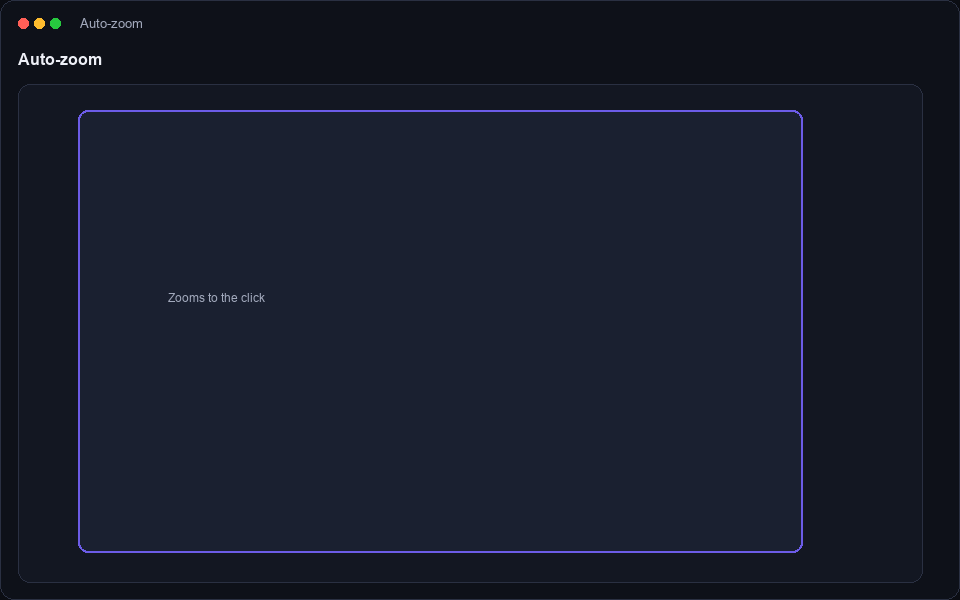
Automatic zoom
Whether it's a tiny dropdown, a code editor line, or a settings panel, DeskRec recognises the action and frames it beautifully.
- Zooms in on clicks and significant mouse movement.
- Smooth spring-based pan and zoom — never janky.
- Traditional "follow the cursor" is the default, so nothing breaks.
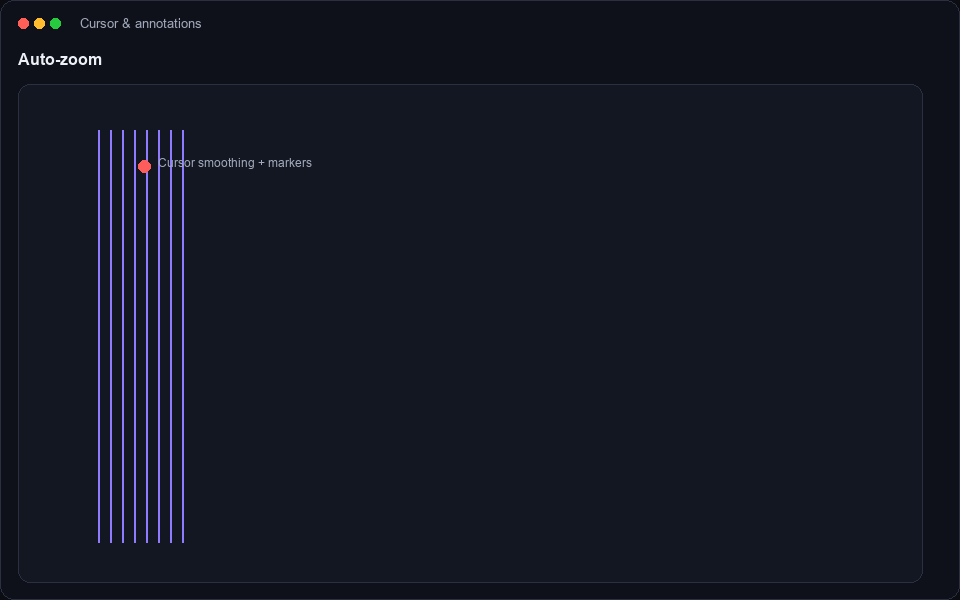
Cursor smoothing & annotations
Your cursor gets a gentle, natural feel, and you can annotate directly over the recording as you narrate.
- In-marker drawing to highlight any part of the screen.
- Smooth cursor easing reduces dizziness in fast demos.
- Clean visually-pleasing strokes that read well even compressed.
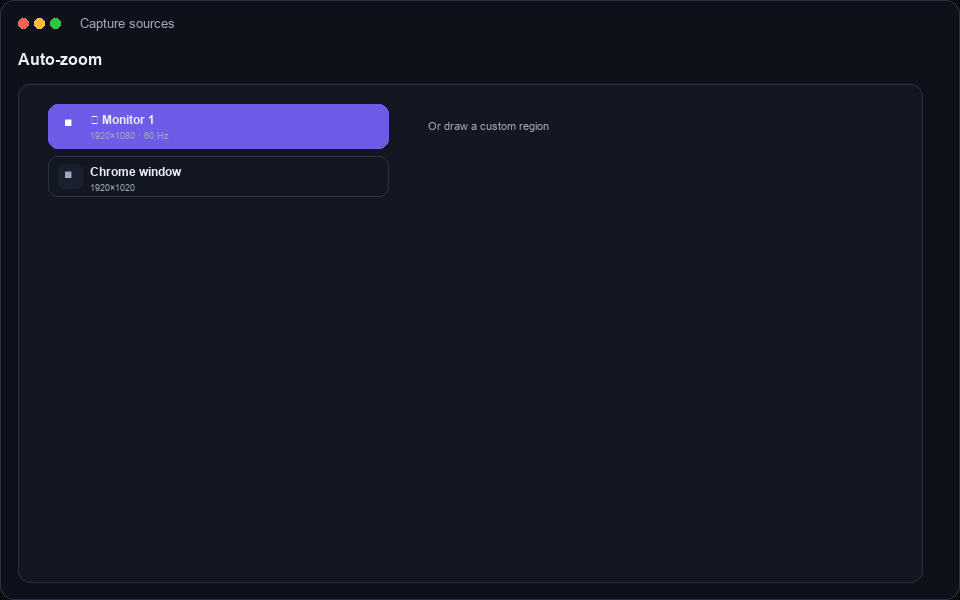
Capture sources
DeskRec adapts to whatever you're recording, from a full multi-monitor setup to a focused window.
- Full screen or multi-display capture.
- Single-window capture for distraction-free demos.
- Custom region selection with a live preview.
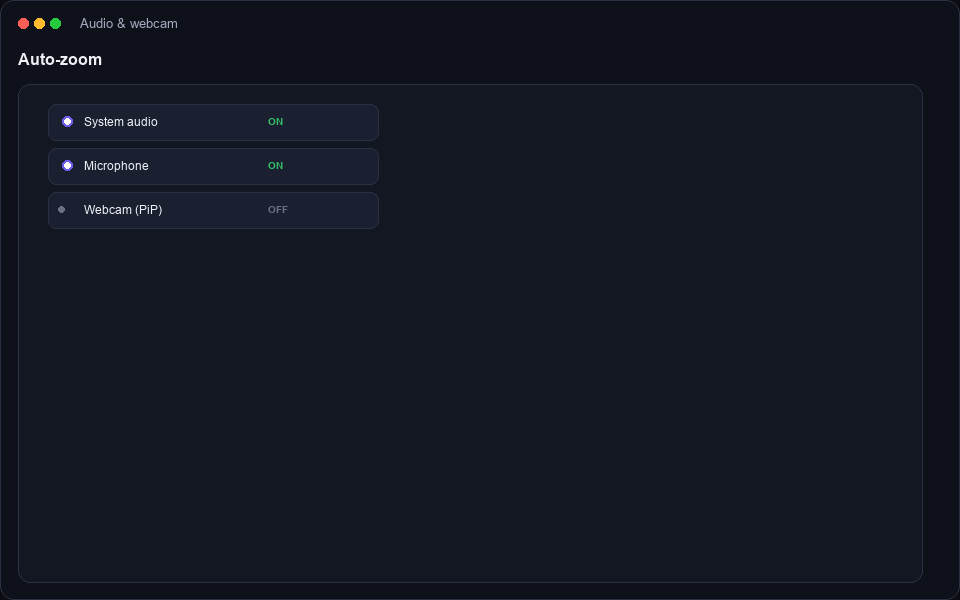
Audio & webcam
Layer the sound and presence you need for a personal, human recording.
- System audio capture for speaker sound and apps.
- Microphone support with device selection.
- Floating webcam bubble — position it anywhere on screen.
The built-in editor
No need for a separate video app. Review your clip, trim the extras and export straight away.
- Playback with golden timeline controls.
- Pause/resume during recording for controlled takes.
- One-click MP4 export that's ready to share.
Power user niceties
Small touches that make a daily tool feel great to live in.
- Distraction-free mode hides desktop icons automatically.
- Countdown overlay so you're never caught off-guard.
- Speaker notes saved alongside every clip.